
1. Metsän henki
The Spirit of the Forest
ENNEN
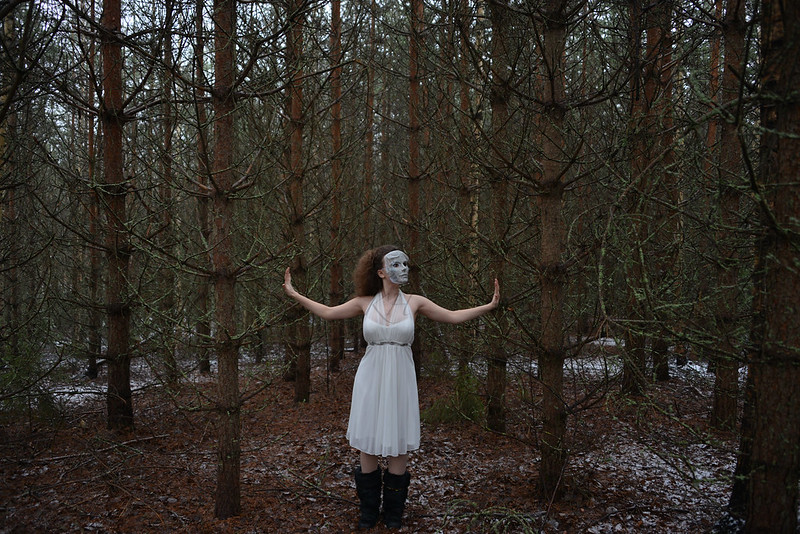
JÄLKEEN

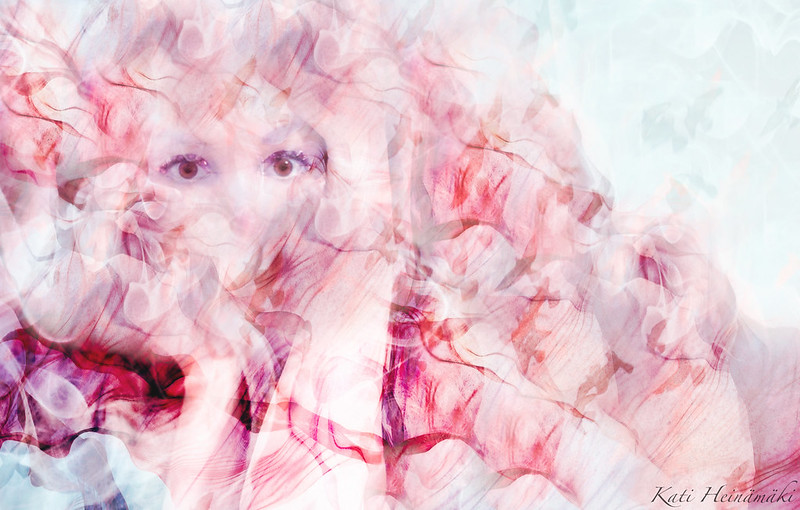
2. Head In Clouds
ENNEN
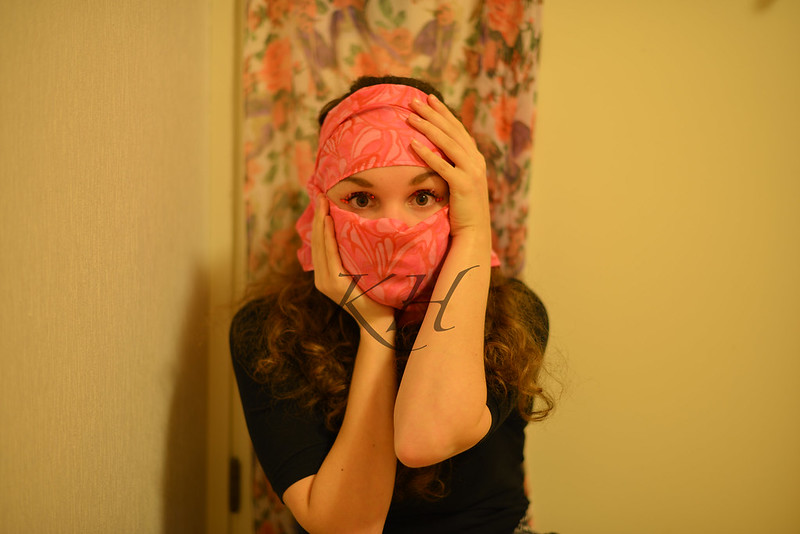
JÄLKEEN
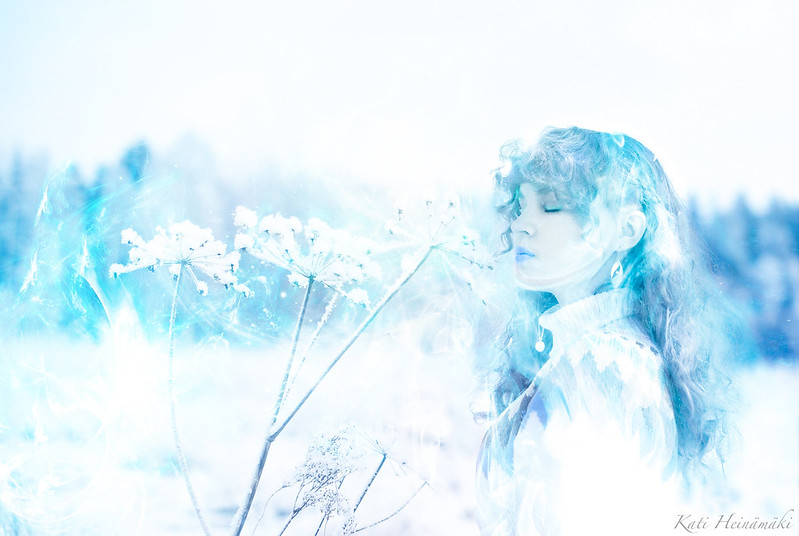
3. Jäärouva
Ice Lady
ENNEN

JÄLKEEN
Tiia pyys mua tekemään tämmöstä ennen/jälkeen Photoshoppauksen -postausta, ja aattelin nyt toteutella sen kun matskuu oli kertyny sopivasti. Yritin myös liittää jokaiseen kohtaan pientä selostusta, että miten olin tehny noi muokkaukset, mutta totesin muutaman rivin jälkeen, etten yksinkertasesti osaa selittää niitä vaiheita :( Voin jossakin välissä koittaa tehdä jonkinnäköstä tutoriaalia mun perusmuokkailuista, mutta tiivistetysti näitä kaikkia kuvia yhdistää kolme sanaa - layerit, Lightroom ja Google. Värit muokkaan oikeestaan aina Lightroomissa, noi erikoistehosteet hoitelen Photoshop Elementsin ja Googlen kuvahaun yhteisvoimin; otan esimerkiks valmiita savutextureita kopiointisivustoilta, jonka jälkeen muokkaan ne sopivaan muotoon (häivytän mustan taustan, niin että jäljelle jää vaan valkonen savu), liitän ne omien kuvien päälle ja vääntelen sopivan muotosiks.
Kritisoin jossakin aiemmassa postauksessa vähän kuvien muokkaamista, mutta nyt mun täytyy kyllä pitää jatkossa suuni kiinni :D Oon hurahtanu ihan täysin muokkailuun, koska jotenkin sekin on vaan ihan oma taiteenlajinsa. Tein esimerkiks ton viimesen kuvan tänään ilman minkäänlaista alkuinspiraatiota. Otin vaan arkistojen kätköistä jonkun vanhan kuvan, heitin sillä muokkausohjelmaa ja aloin hommiin. Se lopullinen visio synty mun päähän vasta ihan viime hetkillä, mutta ihan jo pelkästään sen kuvan tekeminen oli kivaa ja hauskaa.
Tiia asked me to do some sort of post with a theme of "Before/After Photoshop" - and since I had enough material on my computer, I decided to put the idea into action. I also tried very hard to explain the different phases of each editing process but unfortunately after writing a few lines I had to give up. At some point, I might try to carry out some kind of tutorial based on the usual adjustments I make while editing. However, If I had to sum up the process I've gone through with these three photos, I would describe them with three words - Layers, Lightroom and Google. I always edit the colors in Lightroom and add the special effects by using Photoshop Elements (and Google) - for example in this case I downloaded a few free smoke textures on my computer which I then edited into the right form, pasted on the background photo and warped into the right shape.
I criticized Photoshopping just a little bit earlier but I think I should just keep my mouth shut from now on. I'm completely in love with editing - for me it's just some kind of form of art. For example I had no idea what to do with the last one of the photos but I just started processing it anyways. I didn't catch the final vision of the upshot until on the very last minutes - before that it was nothing but up in the air - but purely just making the photo was fun.

